You've spent $4,000 on Meta. Can you name the one thing costing you sales? StoreXray can — in 10 minutes.
Secure checkout by Gumroad. Instant download — no account, no subscription, nothing to install.
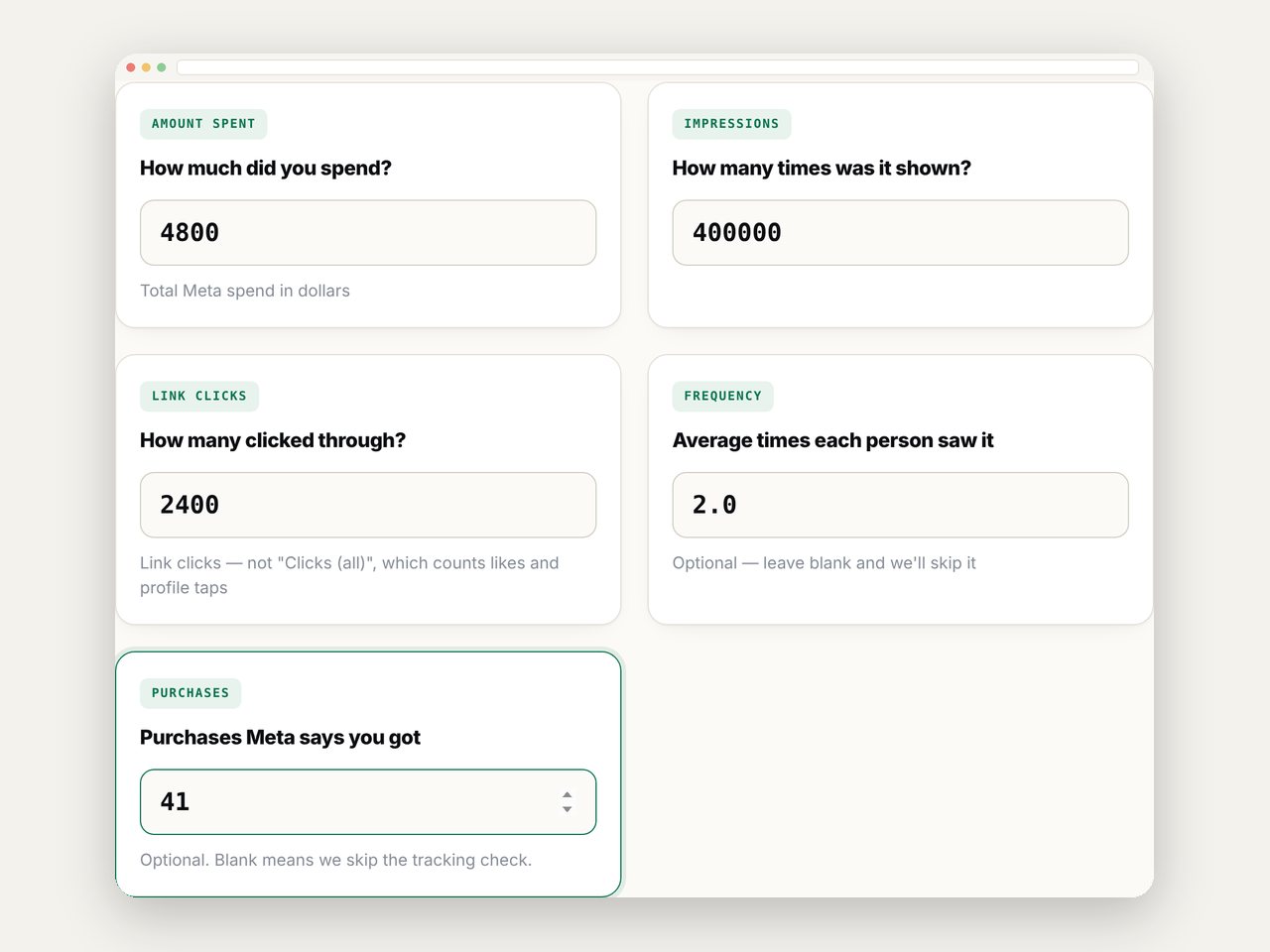
Three numbers you already know by heart. You'll get a real read on where your money is going — before you spend a cent.
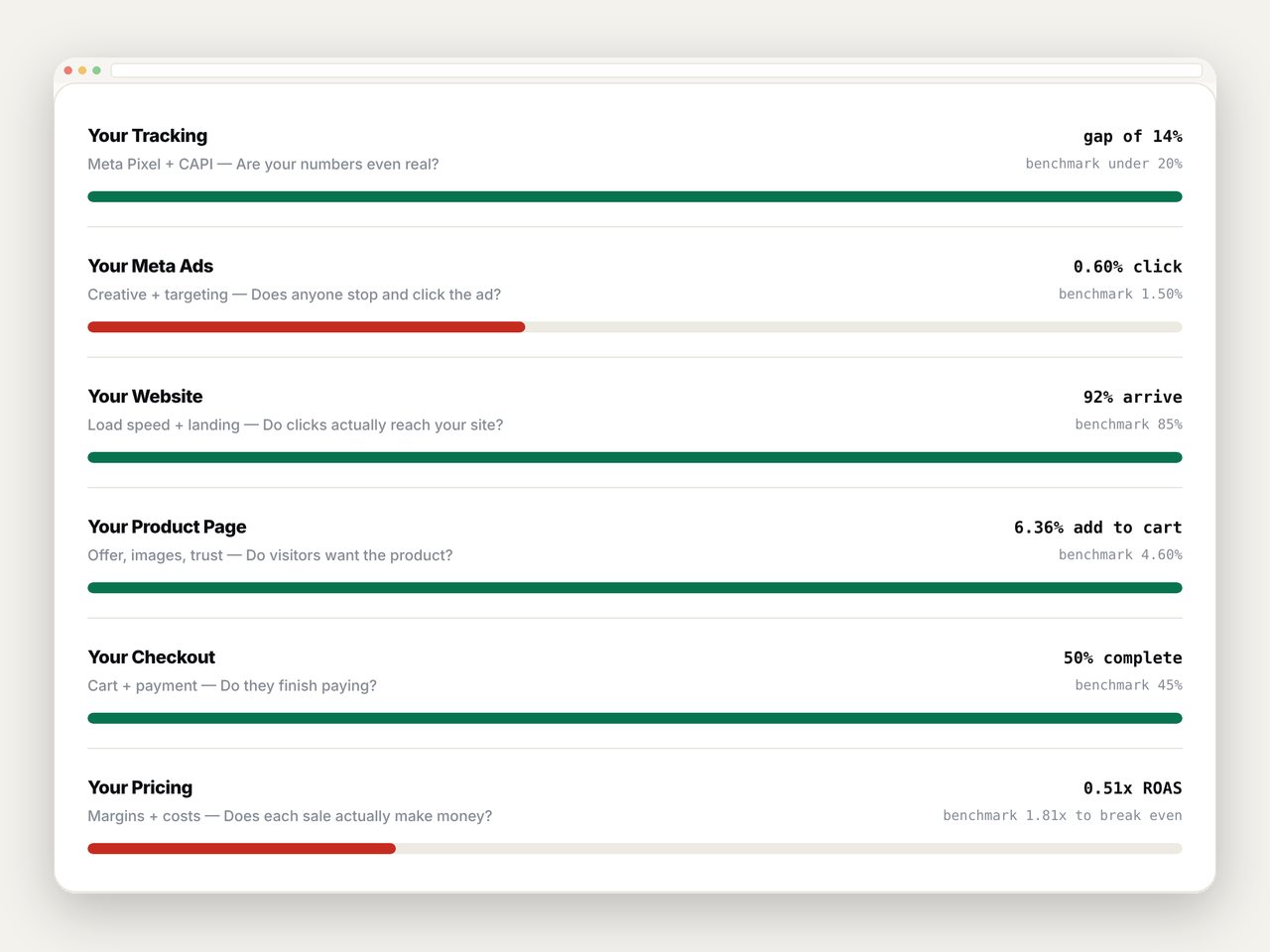
Money passes through six stages before it becomes profit. One of them is where yours is dying. Until you know which one, every fix is a guess — and every guess costs you another month.
Checks whether Meta and Shopify agree on your order count. If they don't, every other number you look at is wrong.
Click-through rate, CPM and frequency against real DTC benchmarks. Tells you if you're paying to be scrolled past.
How many paid clicks actually became sessions. The gap is people who left before your page even loaded.
Your add-to-cart rate against the Shopify average. Low means the page isn't making anyone want it.
Cart to checkout to paid. The most expensive leak there is — you already paid to bring these people in.
Your break-even ROAS versus your real one. Tells you whether scaling would multiply profit or losses.
Tap any stage to see what it checks
StoreXray finds the one. That's all it does.
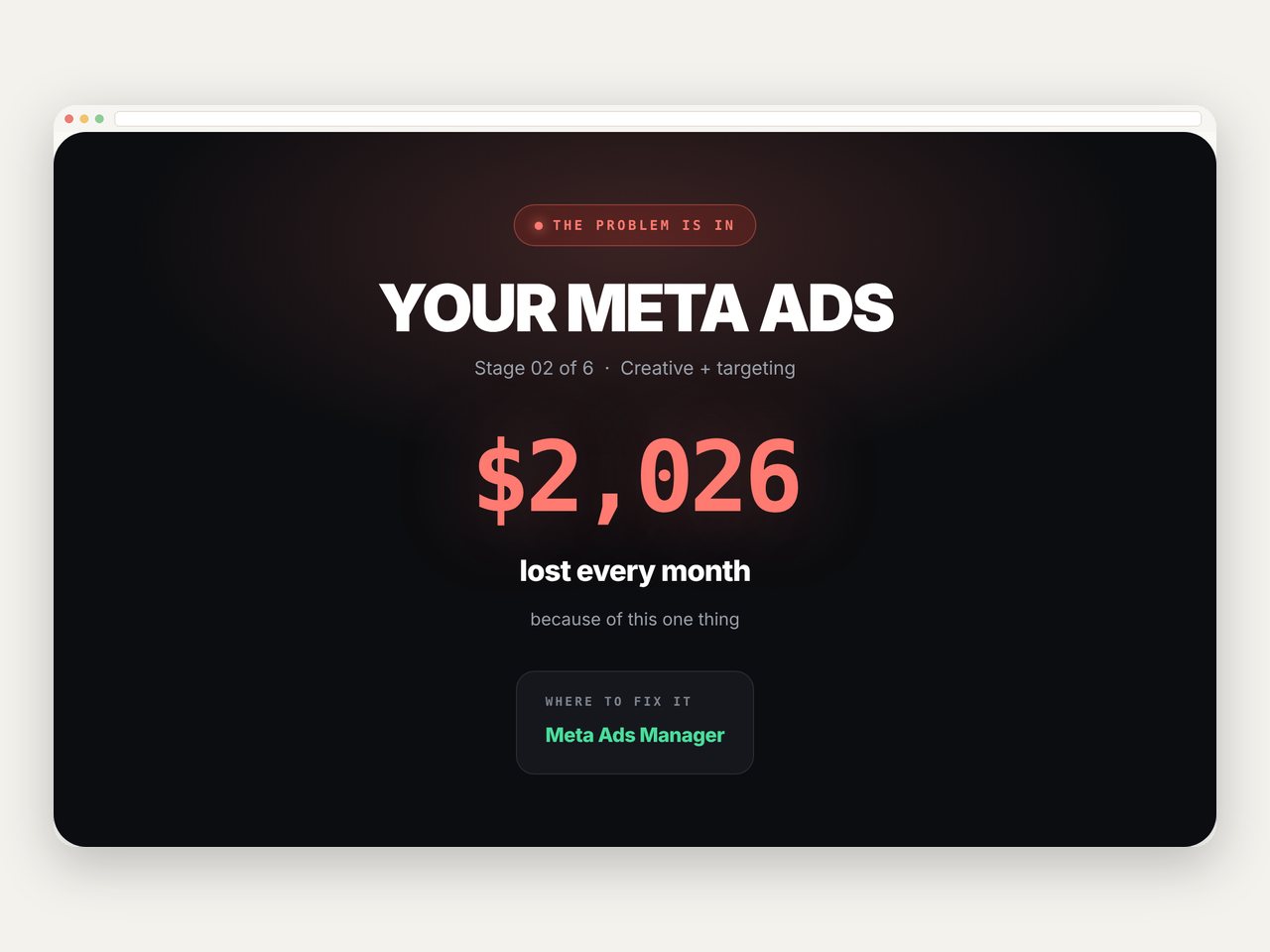
Not a score out of 100. A sentence: "The problem is your checkout." Plus where to go and fix it.
A real dollar figure from your own numbers. Now you know if it's a $200 problem or a $4,000 one.
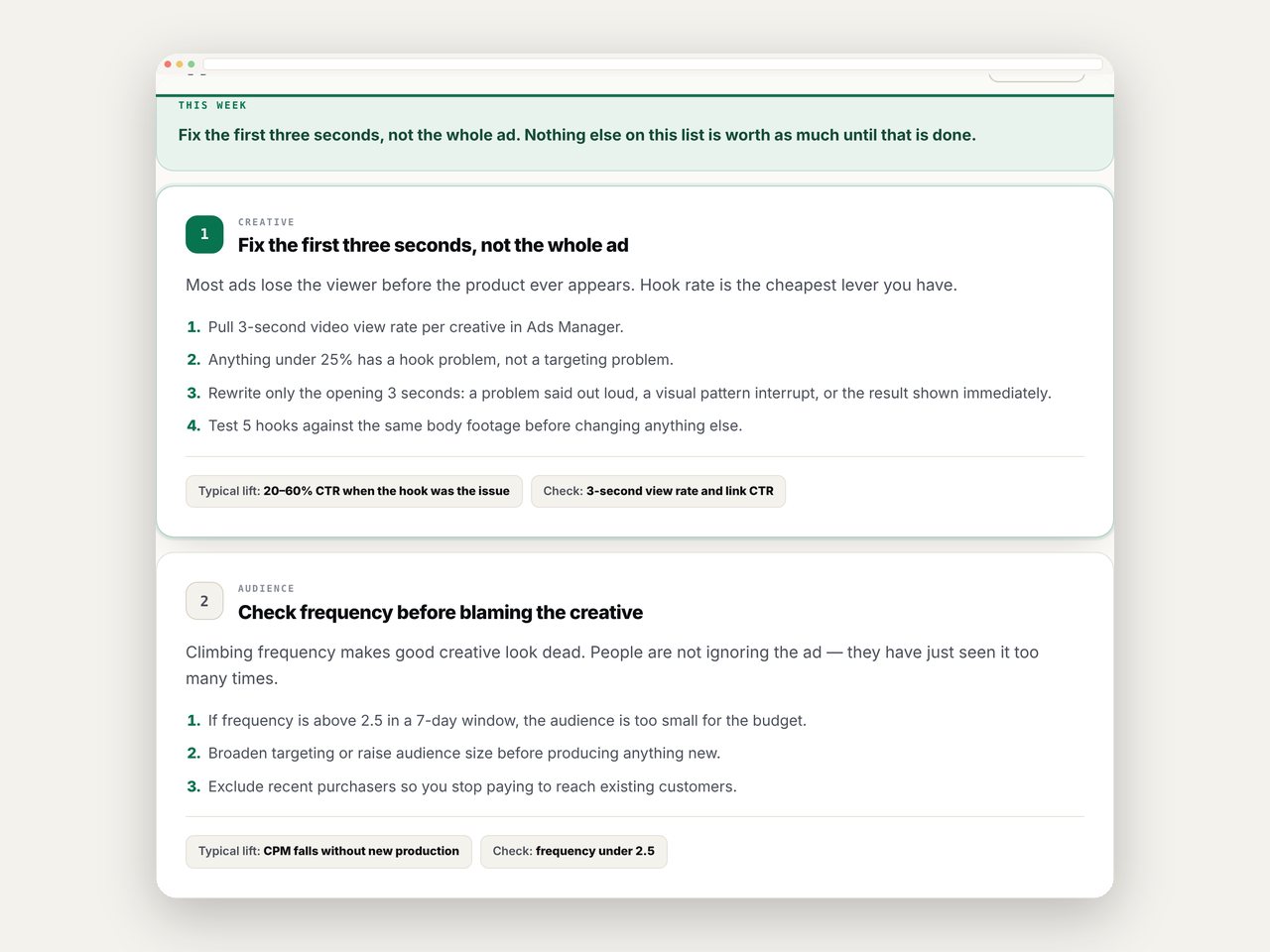
Not forty things to try. Three — ranked by money, each with the steps and how to check it worked.
Measured against published Shopify and Meta data, with every source cited inside the tool.
When two stages look bad, it tells you which one caused the other — so you don't fix the wrong thing.
No account, no upload, no server. Everything runs inside the file, in your own browser.

Five from Ads Manager, four from Shopify, a few about your costs. Every field tells you where to find it.

Each one measured against real benchmarks. The shortest bar is the one costing you the most.

Do the first one before anything else. Re-scan in two weeks and watch the number move.
| Other ways to find your leak | Price |
|---|---|
| Agency funnel audit | Hundreds of dollars, 1–2 weeks |
| CRO consultant, hourly | Hourly rate + the back and forth |
| Profit analytics app | A monthly fee, forever |
| Guessing for another quarter | Whatever the leak drains in 3 months |
| StoreXray | $35 once. 10 minutes. Yours for life. |
Run the scan. If it doesn't point at something you hadn't already worked out, email me and I'll refund you. No form. No questions. No hoops.
I'd rather give you $35 back than have you tell someone it wasn't worth it.
One file you download and keep forever. Open it in any browser, type in your numbers, and it names which of six stages is losing you the most money, what that costs per month, and the three fixes to do first. Use it as often as you like.
Analytics show you numbers. They don't tell you which number is the problem. StoreXray compares all six stages against industry benchmarks, finds the one furthest off, prices it, and hands you the fixes. Shopify shows you the cockpit. This tells you which engine is on fire.
No. Nothing touches your store and nothing gets uploaded. You type in 15 numbers you already have, and the file works it all out inside your own browser.
If you have at least 1,000 impressions and 100 link clicks, yes. Below that there isn't enough signal — and the tool will tell you that rather than guess. If you're under it, don't buy yet.
Yes. One payment, one file, yours to keep. Scan as often as you want, for as many stores as you own. When benchmarks get updated, you re-download the new version free.
Email me and I'll refund you. That's the whole promise — it has to tell you something you hadn't worked out, or you don't pay.
Ten minutes from now you could know exactly what to fix.
Instant download · Lifetime access · Refund if it doesn't find your leak